

Clash of Clans Attack Planner

A free Clash of Clans (CoC) attack planner and war planner. Open the enemy base or your own screenshot, place troops, heroes and spells, draw the pathing and number every step, then save the plan as a PNG for your clan. No account, and your screenshot never leaves your device.

  • Any base ours or your screenshot
  • Every unit troops, heroes, spells
  • Numbered steps with a note each
  • Save PNG share with your clan

Open the base you are attacking

Pick a screenshot or drop it here. It is drawn on your device and never uploaded.

or plan on one of our war bases ↓

Base being planned
100%

Steps

New markers go into the highlighted step.

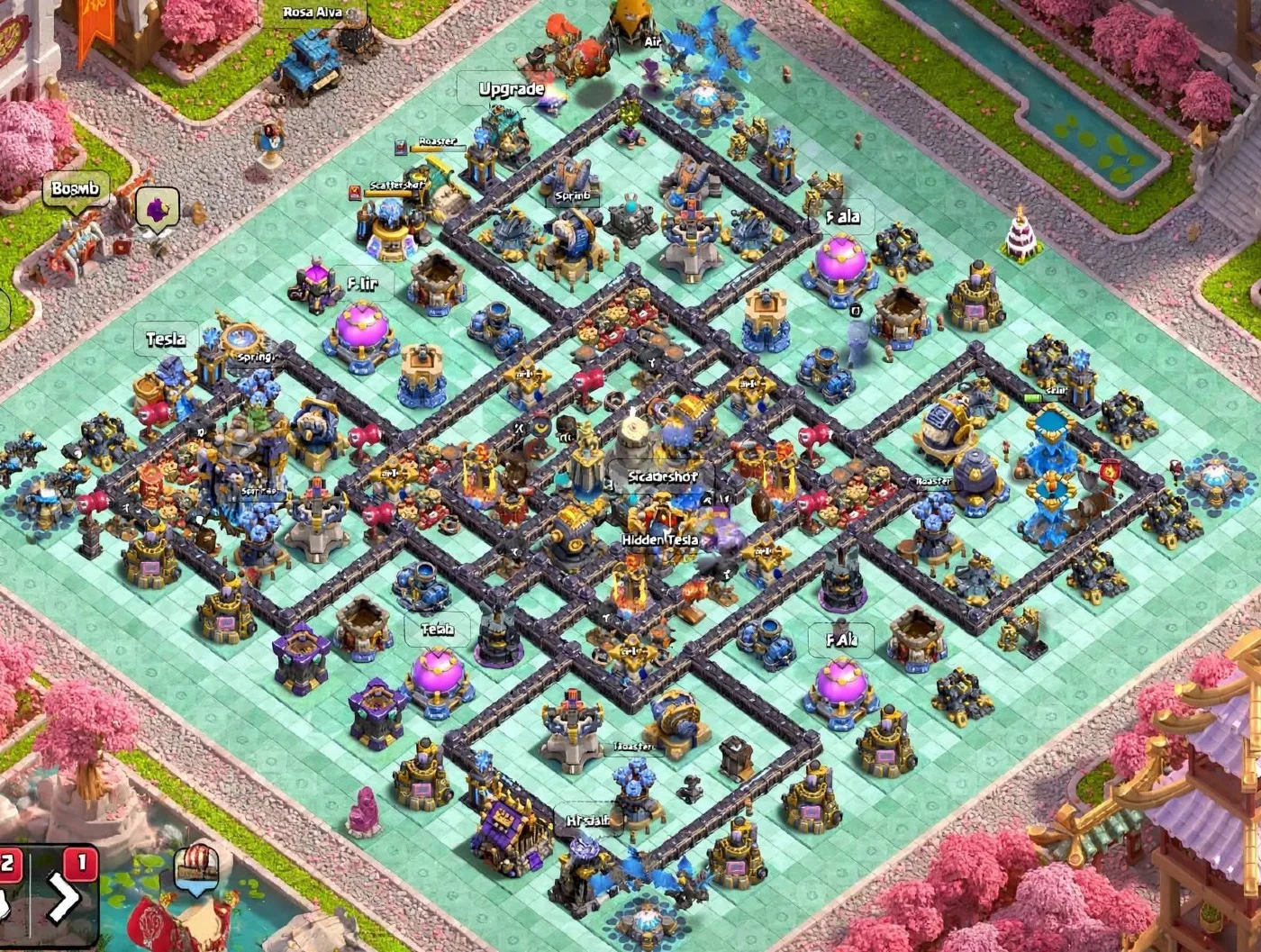
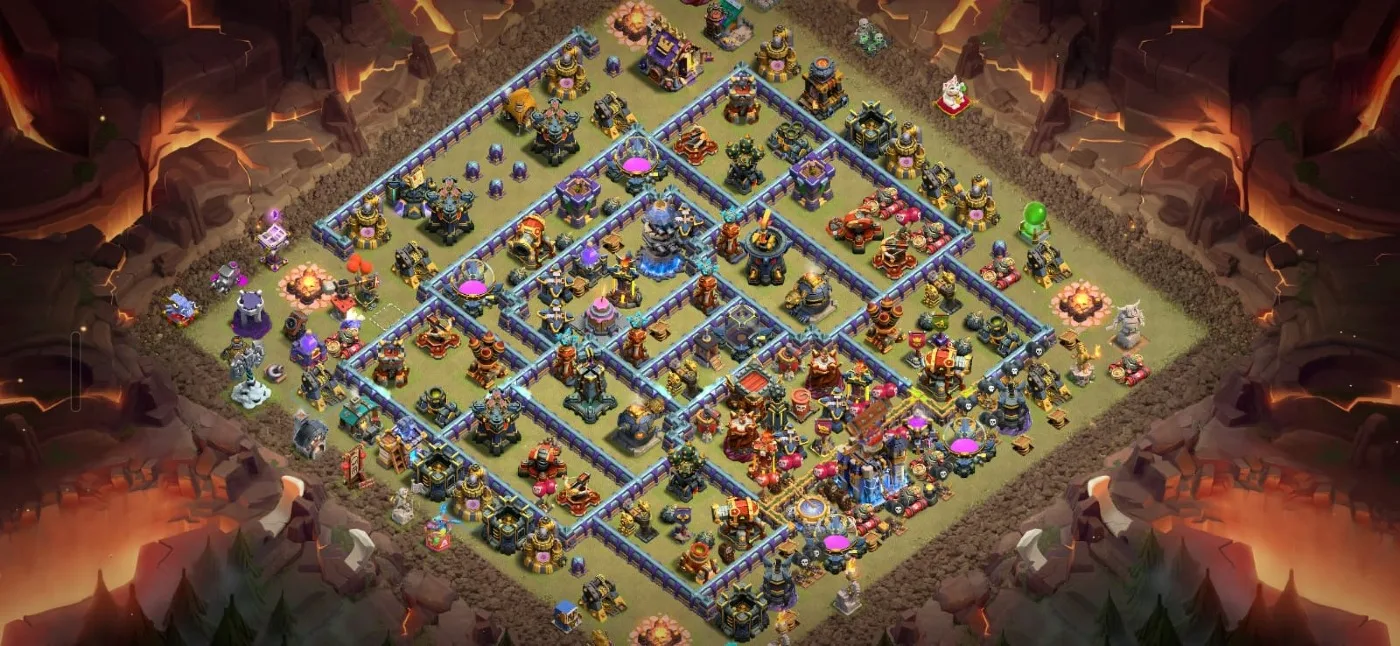
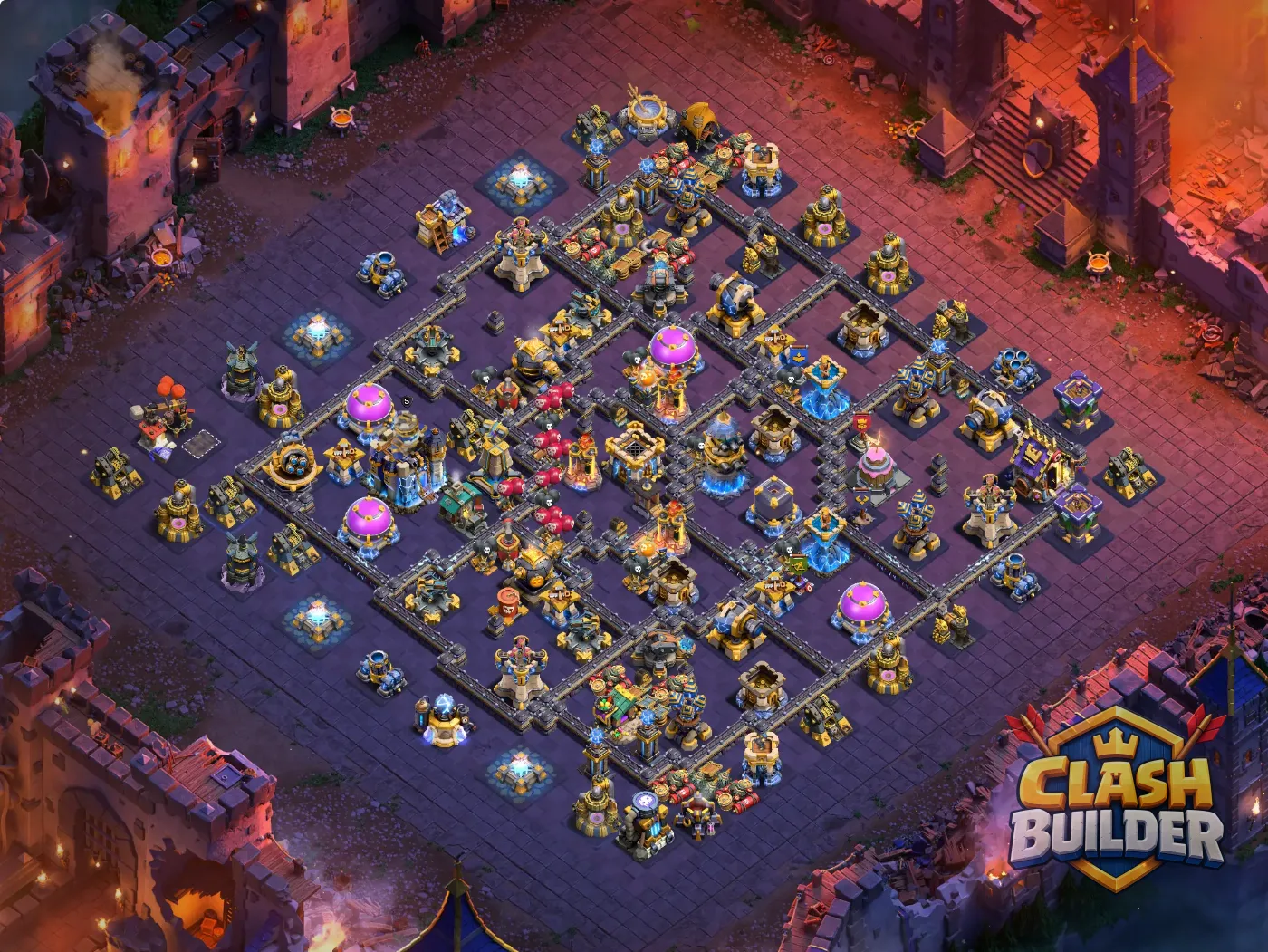
Planning on TH12 Trophy Base with Link 2026 - Anti 2 Star #32. Your plan is kept in this browser until you clear it.

Try it on a war base

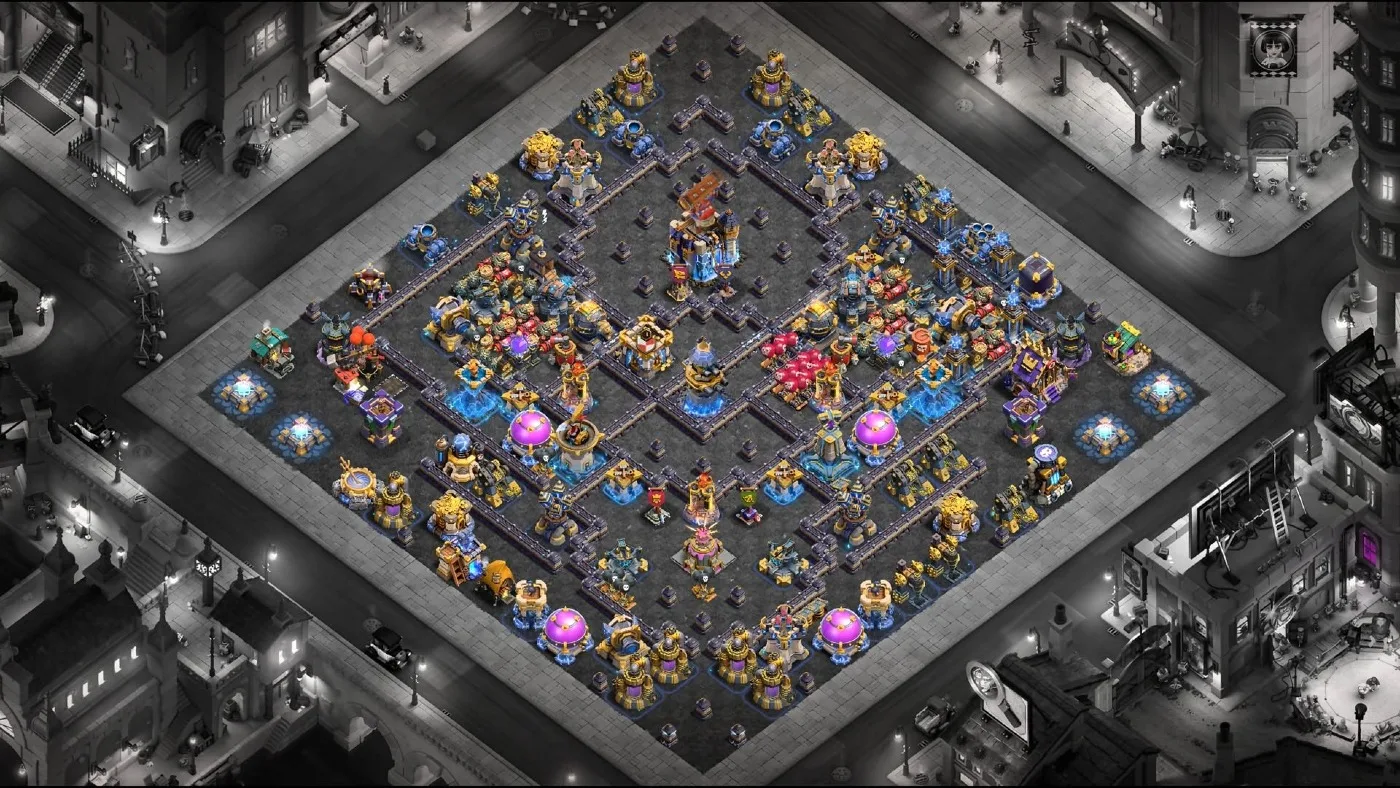
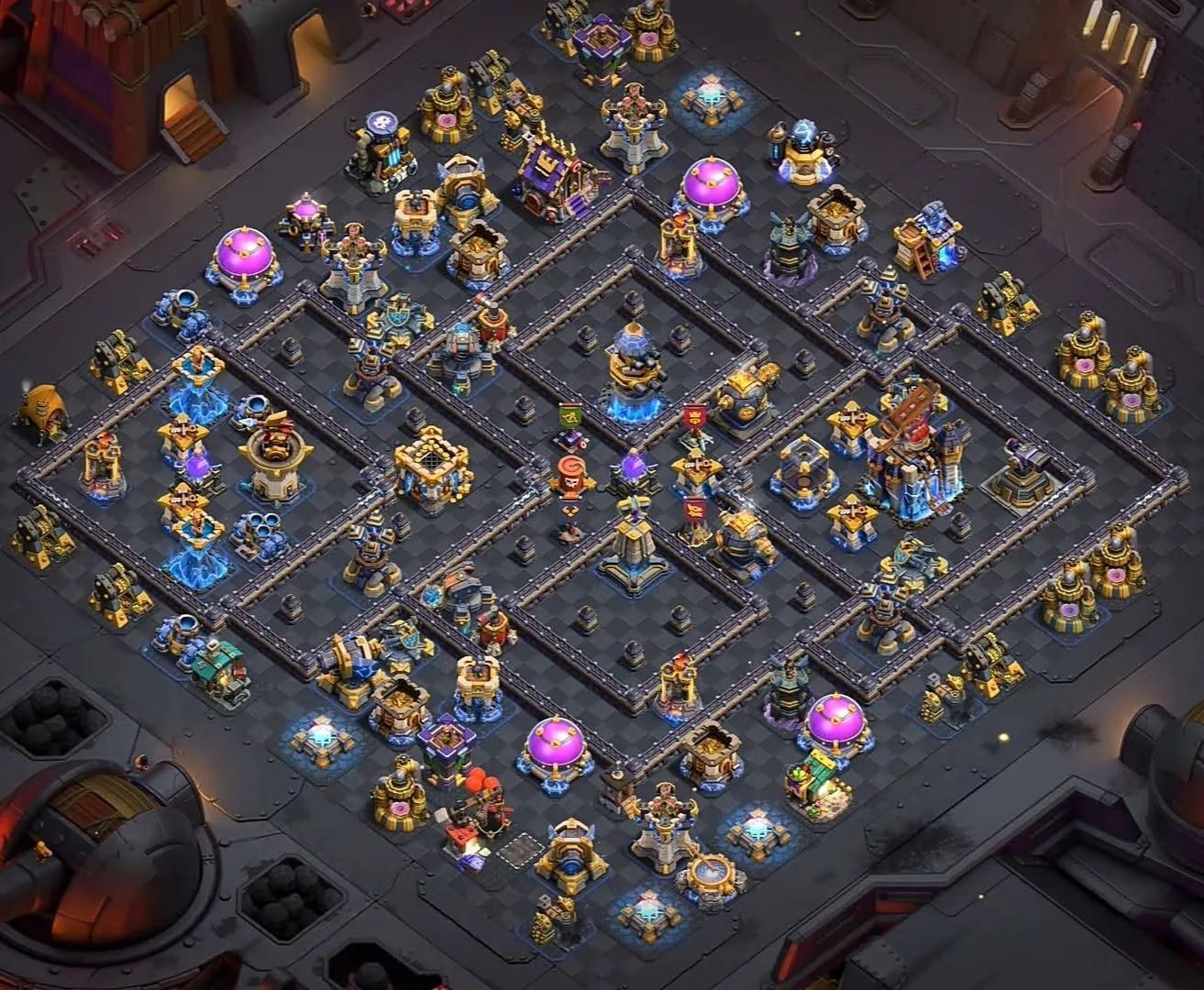
Current war bases from ClashBuilder. Each one opens in the planner, ready to draw on.

More on the TH18 war bases and TH17 war bases pages - every base page has a Plan an attack button.

How to use the CoC attack planner

  1. 1

    Open a base

    Pick a screenshot of the enemy base, or open one of the war bases below. A full-base screenshot works best.

  2. 2

    Number your steps

    Each marker belongs to the step shown in Steps. Add a step for each phase - funnel, main push, spells, cleanup - and write a line about it.

  3. 3

    Place troops, heroes and spells

    Choose a unit and tap where it goes. Spells become circles: drag while placing to set the size.

  4. 4

    Draw the pathing

    Use Arrow for where troops should walk and Target for what they must reach. Text adds a short note on the map.

  5. 5

    Save and share

    Save PNG downloads the plan with the steps written underneath, ready for your clan chat.

How to plan a war attack in Clash of Clans

By ClashBuilder Team · Updated

A good war attack is decided before the first troop drops. Scout the base, pick where you enter, plan how you will open a path to the core, decide when every spell goes down, and leave time to clean up. Drawing each of those on the base is the quickest way to spot the step you have not thought through.

A good war plan answers six questions

  • Where do you enter the base?
  • What does the funnel clear, and on which side?
  • Where do the heroes go, and when do they use their abilities?
  • Which defenses get Freeze or Invisibility?
  • When do Rage and Healing follow the push?
  • What is left for the cleanup, and how much time will it need?
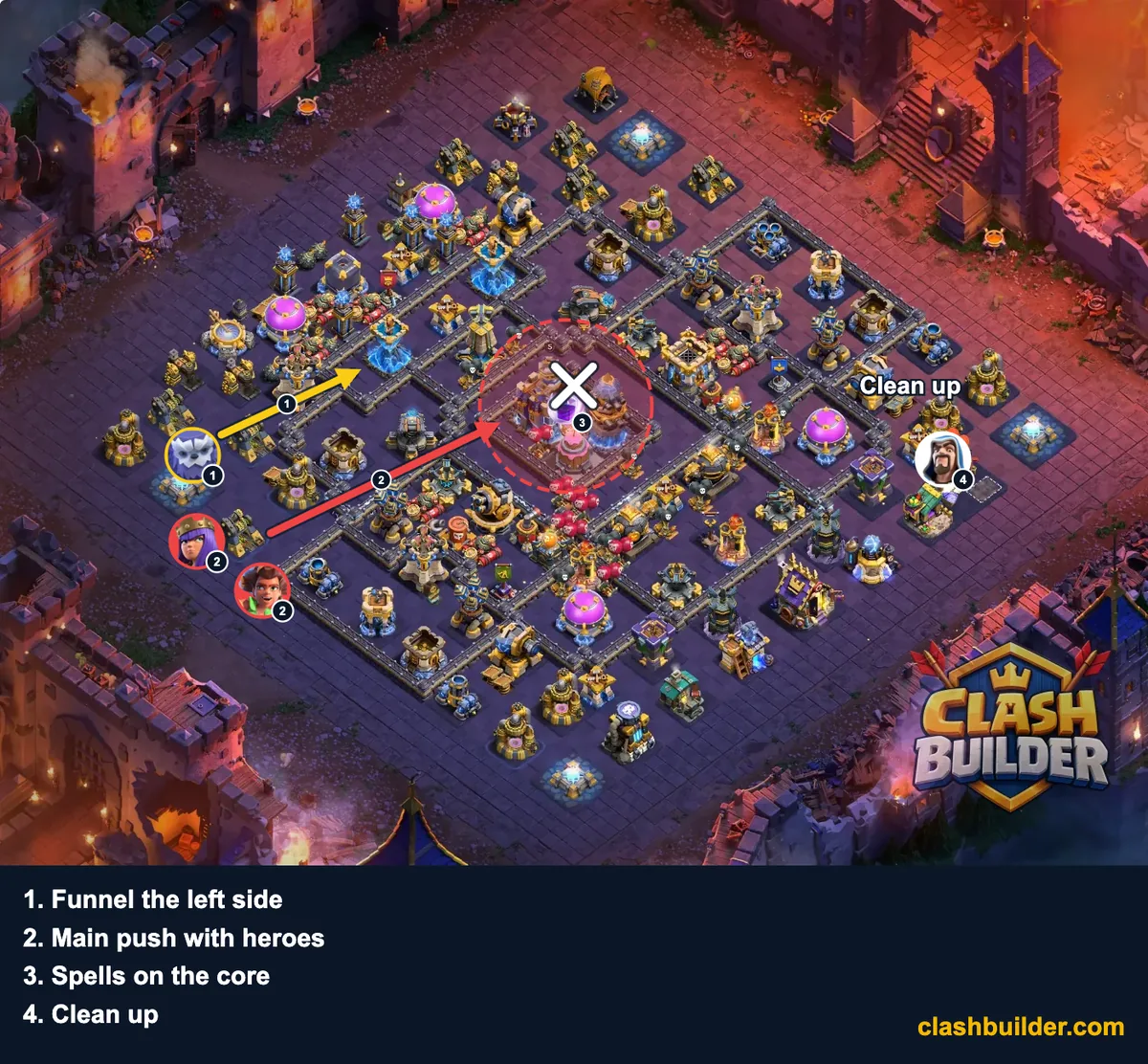
Example Clash of Clans attack plan made with the ClashBuilder Attack Planner: arrows, troops, a spell circle and four numbered steps on a TH18 war base
Example of a saved plan - what the PNG export looks like, not a recommended attack on this base.

1. Scout the base

Find the Town Hall, the Eagle Artillery, the Scattershots, the Inferno Towers and the Clan Castle, and note which defenses cover each other. Look for the gap in the walls you can use, and where traps are most likely: open tiles between defenses and the paths into the core.

2. Pick the entry point

Enter where the base is weakest, or where taking a few defenses early makes the rest easier. Mark it with a Target, and draw an Arrow for the direction you want your main troops to travel.

3. Build the funnel

A funnel clears the buildings on both sides of your entry so troops walk into the base instead of around it. Put the funnel troops in step one and draw where each side should go.

4. Plan the main push

Place the main troops, the siege machine and your heroes in the next step. Note who goes first, and where your heroes should be when they use their abilities.

5. Time your spells

Draw each spell circle where it should land and number it with the step it belongs to. Healing and Rage follow the push; Freeze and Invisibility are for the defenses that would stop it.

6. Clean up

The last step covers the buildings at the edges the main push will miss. Leave a few troops for them so the clock does not take the third star.

Bring the right army

Build the army in the Army Builder, or start from one other players have shared for Town Hall 18 and Town Hall 17, then plan it here on the base you are attacking.

Frequently Asked Questions

About the Clash of Clans Attack Planner.

What is a Clash of Clans attack planner?

It is a board for drawing a war attack before you make it. You open the enemy base, place your troops, heroes and spells where they go, draw the pathing with arrows and number each step, so the plan is clear before the timer starts.

Is my screenshot uploaded anywhere?

No. A screenshot you pick is read by your browser and drawn on your own device. It is never sent to ClashBuilder, so there is nothing stored to delete. The PNG you save is made on your device too.

Can I plan an attack on a base from ClashBuilder?

Yes. Every base page has a Plan an attack on this base button that opens the planner with that base loaded, and the bases below the planner open the same way.

How do I share my attack plan with my clan?

Press Save PNG. The image has every marker, arrow and spell circle on it, with your numbered steps written underneath, ready to post in your clan chat or Discord.

Which troops, spells and heroes can I place?

Every Home Village troop, super troop, siege machine, spell and hero we have artwork for. Spells are drawn as circles you can resize to cover the area you mean.

Does it work on a phone?

Yes. Take a screenshot of the base in Clash of Clans, open the planner in your phone browser and pick the screenshot. Every tool works with touch.

Is this a Clash of Clans attack simulator?

No. A simulator would play the attack out for you; this is a planner. You draw where every troop, hero and spell goes and in what order, which is how clans plan war attacks. Whether it gets three stars still depends on the traps, the Clan Castle and your timing on the day.

Can I use it as a CoC war planner for my clan?

Yes. Plan each attack on its war target, save it as a PNG and post it in your clan chat or Discord, so everyone goes in with the same plan.