

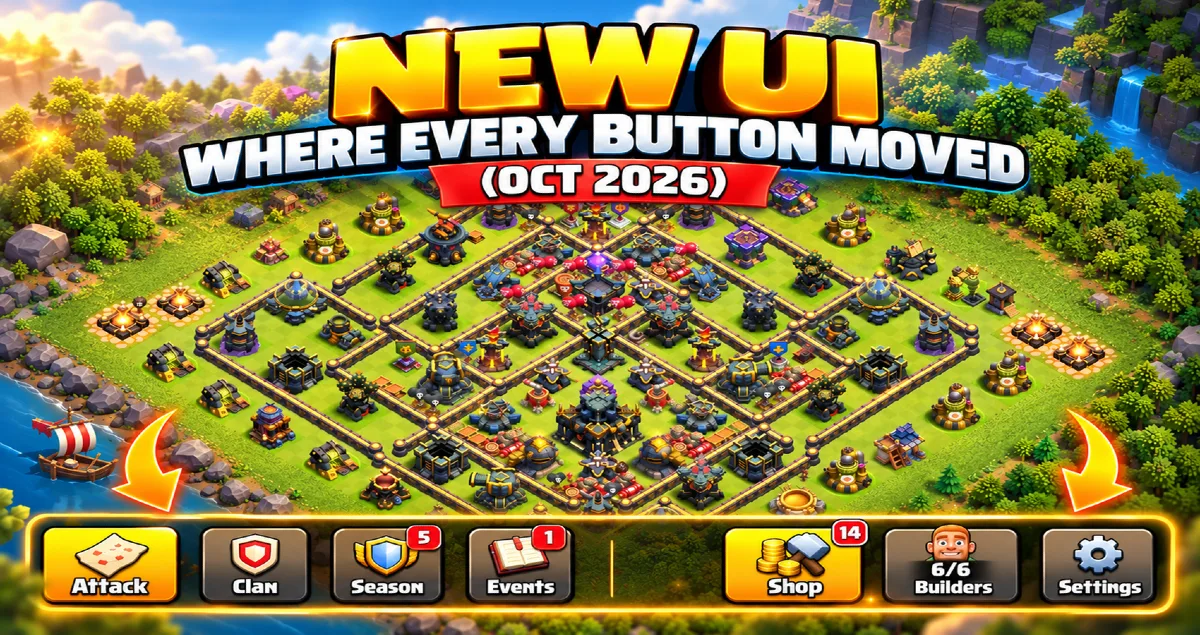
Quick answer: Clash of Clans has a new user interface. The bottom of the screen now has two big buttons: Battle on the left, which holds the Battle Log, Edit Army, revenge and live replays, and Build on the right, which holds every upgrade in four tabs: Building and Heroes, Army Upgrades, Hero Equipment and Hero Pets. Settings live under your Profile button, Magic Items have their own button, the Gold Pass has its own button, and the shield now sits next to your resources. Nothing was removed. It moved.
Below: where every old button went, what the new Build menu does that the old one did not, how to copy a base layout and an army link with the new screen, the problems Supercell has already listed, and what is still coming. Written from Supercell's own announcement and the French sneak peek, with the parts that matter to base builders added.
Updated October 2026. Supercell announced the new interface on 8 October 2026 and says it goes live "soon". Labels below are the English in-game names.
Why the interface changed
The old screen was built for a much smaller game. Since then the game added hero equipment, pets, magic items, the Clan Capital, the Event Hub and a dozen kinds of pass and offer, and each one got a button somewhere. Supercell's own words: the interface "has been quietly getting more crowded for years".
The stated goals are simple. Put each button where its job is. Give building and battling the same weight on screen. Make it obvious to a new player what to do next. And leave room for features that have not shipped yet. Supercell says the number of buttons is roughly the same as before. This is a reorganisation, not a cut.
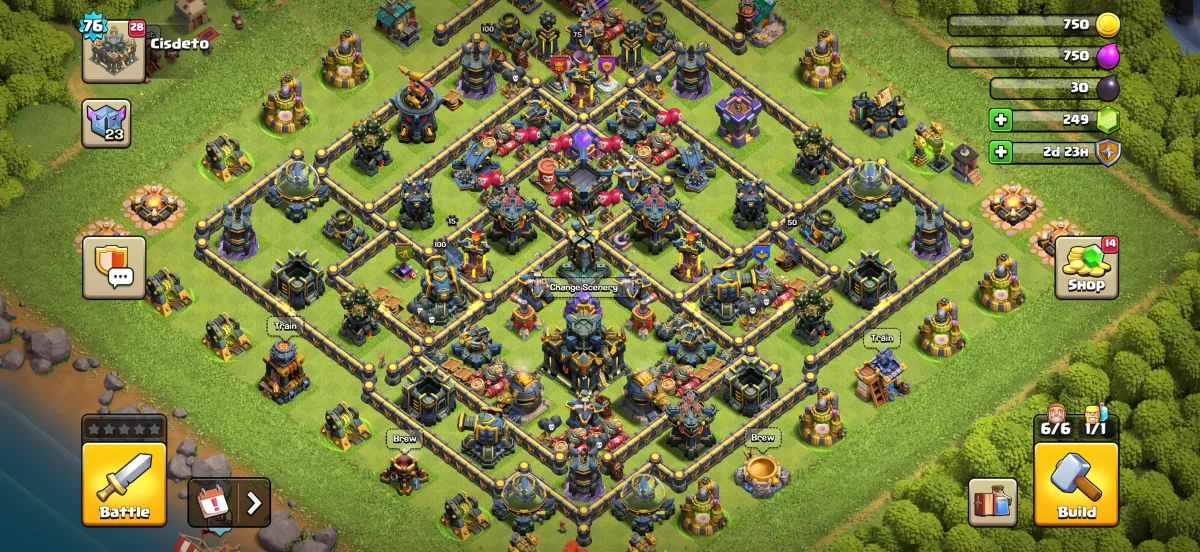
The new Battle button
Bottom-left. Everything you do before an attack now starts here:
- Attack as before.
- Battle Log, which used to have its own button.
- Edit Army, which used to live in the Army Camp and in the attack screen.
- Revenge. When someone has attacked you and revenge is available, the Battle button shows a flaming sword.
- Live replay. When someone is attacking you right now, the Battle button shows an eye. Tap it to watch.
If you have been opening the Battle Log to find a revenge, stop looking for the log. Look at the sword on the button instead.
The new Build menu
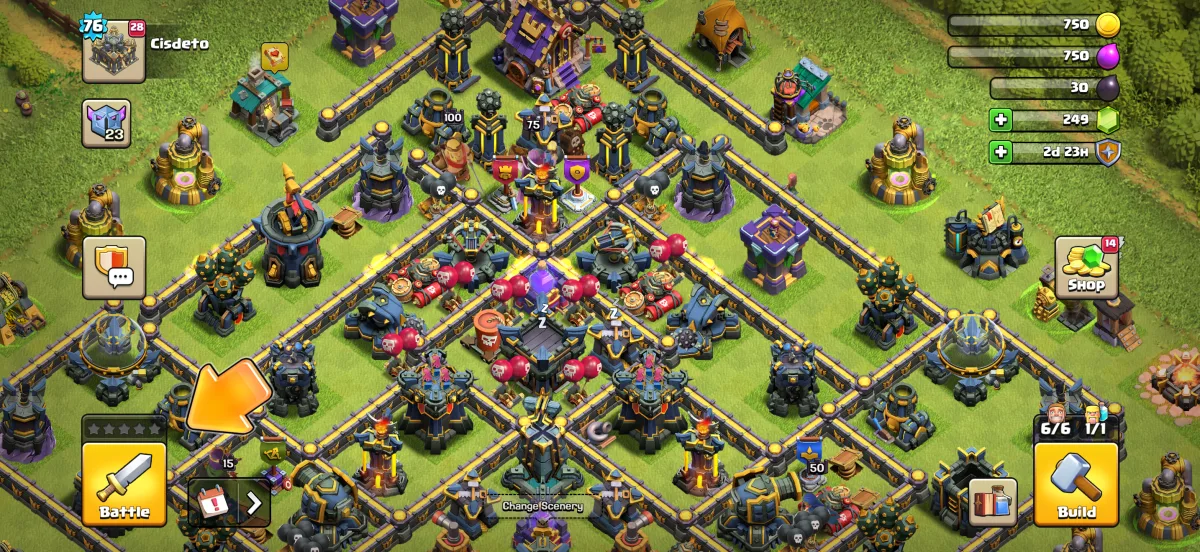
Bottom-right. This is the change Supercell shows first on your first login after the update, with a short walkthrough. The Build menu now has four tabs:
| Tab | What it holds | Where it used to be |
|---|---|---|
| Building and Heroes | New buildings, building upgrades, hero upgrades | Shop, then the building itself; the Hero Hall for heroes |
| Army Upgrades | Troop, spell and siege machine levels | The Laboratory |
| Hero Equipment | Equipment levels | The Blacksmith |
| Hero Pets | Pet levels | The Pet House |
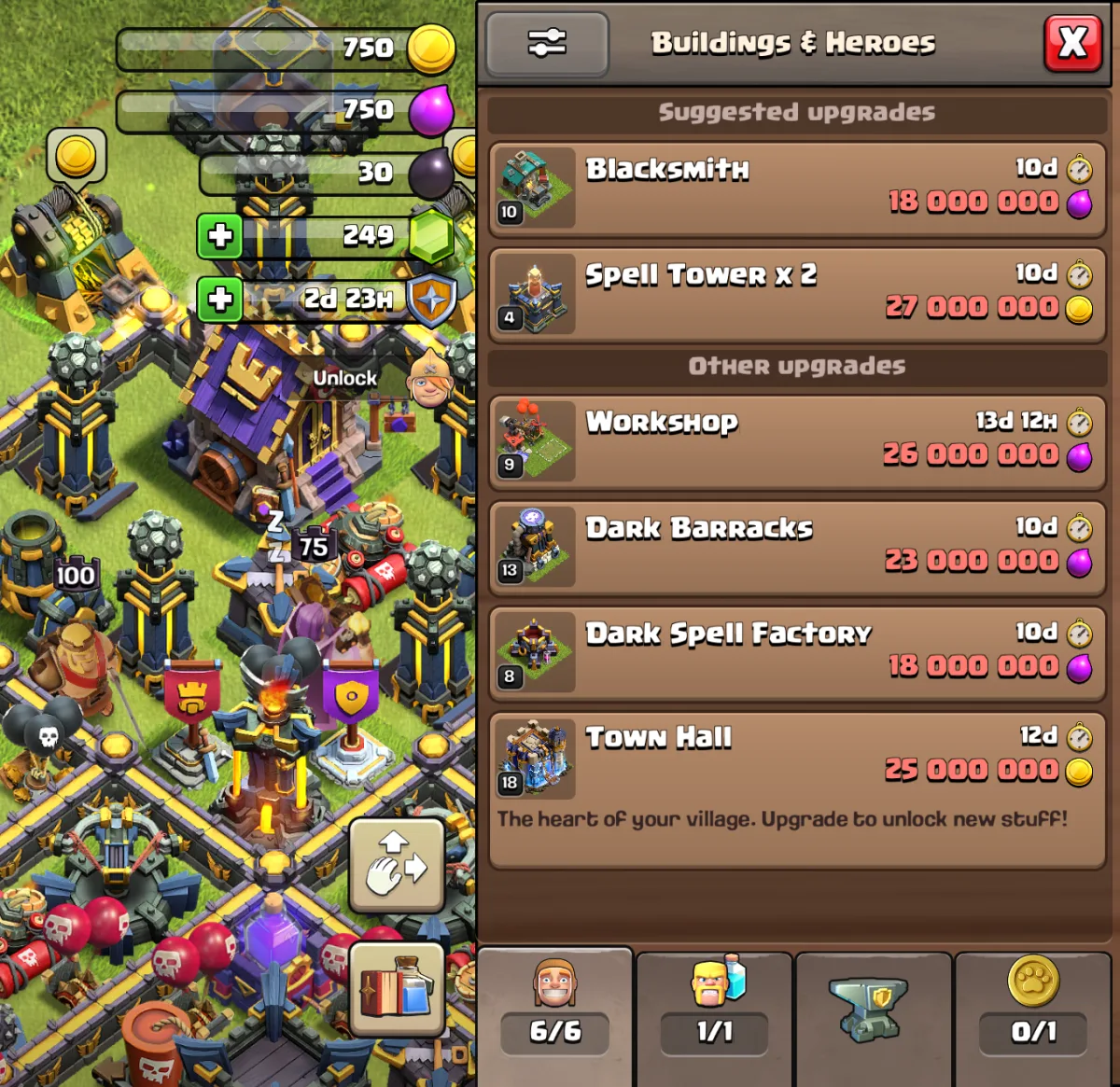
Three things the old menu could not do:
- Upgrades in progress come first, shortest timer at the top, so the next free builder is one glance away.
- Tapping an upgrade pans the camera to the building and opens the confirmation. You no longer hunt for a Cannon on the far side of the village.
- Filters and sorting. Filter by category or by hero, sort by cost up or down. A filter stays on until nothing matches it, then switches itself off.
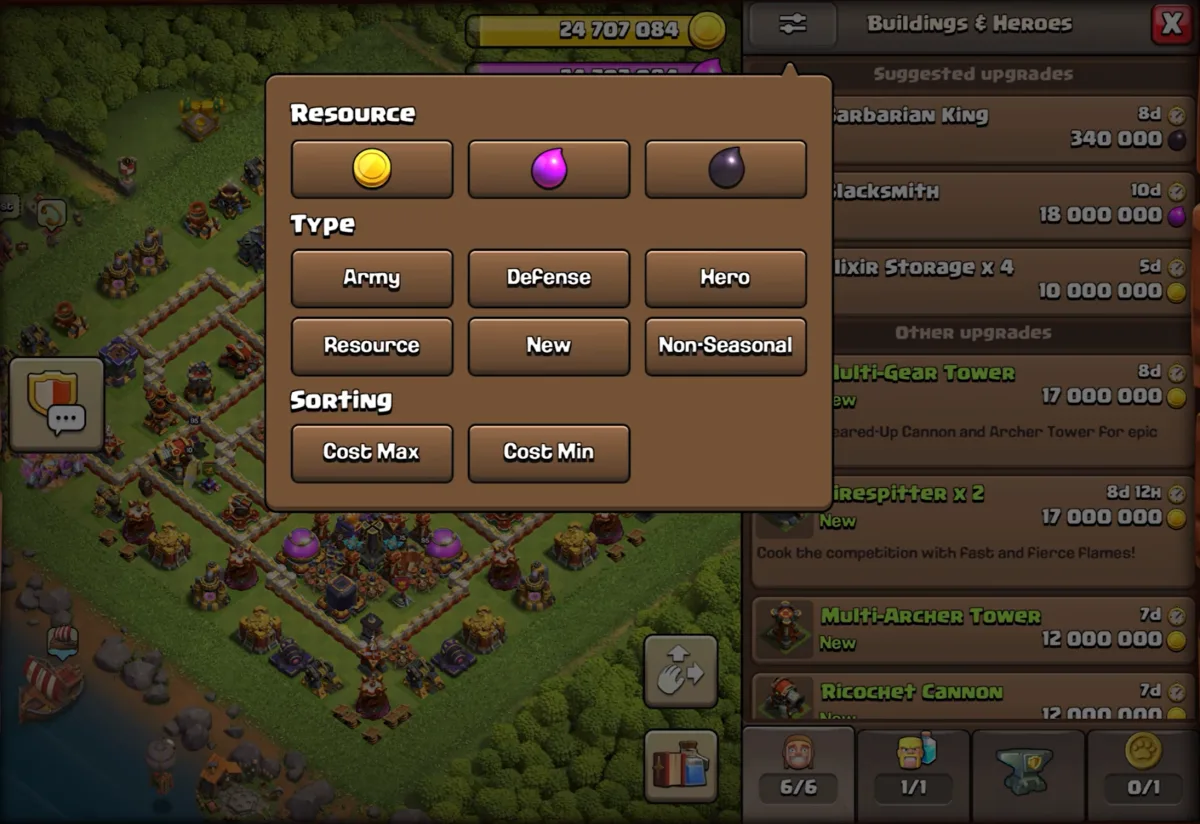
The Laboratory, Blacksmith and Pet House are still in your village and still work when tapped. The tabs are a second door to the same rooms.
Where everything moved
Use this table the first week. It covers every button players have asked about.
| Looking for | Now under |
|---|---|
| Battle Log | Battle button |
| Revenge | Battle button, shown as a flaming sword |
| Live replay of an attack on you | Battle button, shown as an eye |
| Edit Army, army presets | Battle button |
| New buildings to place | Build, Building and Heroes tab |
| Laboratory upgrades | Build, Army Upgrades tab |
| Blacksmith, equipment levels | Build, Hero Equipment tab |
| Pet House, pet levels | Build, Hero Pets tab |
| Edit Layout | Bottom-right, appears when the Build menu is open |
| Books, Hammers, Runes, Potions, Magic Snacks | The new Magic Items button |
| Settings | Profile button, top-left |
| Inbox | Profile button, and pinned in the Events tray |
| Supercell ID, switching accounts | Profile button, one level deeper than before |
| Event Hub | Pinned in the Events tray |
| Gold Pass | Its own button |
| Clan War | Shown only when a war is on, from Clan Chat |
| Shield | Next to your resources |
| Chat | Where it was, with Global and Clan chat together |
Resources, shield and the gem counter
The shield moved next to Gold, Elixir and Dark Elixir. The logic is that the shield protects those resources, so they belong together. Inside the Build menu, the currency shown at the top changes with the tab: on the Hero Equipment tab you see your ores, not your Elixir. One known problem at launch is that the gem counter can animate up from zero when you switch tabs. It is a display glitch, not lost gems.
Profile, Events tray and Magic Items
Profile, top-left, now holds Settings and your Inbox. Supercell ID and account switching are still there, one tap deeper. Supercell says simpler account switching is on the list for later.
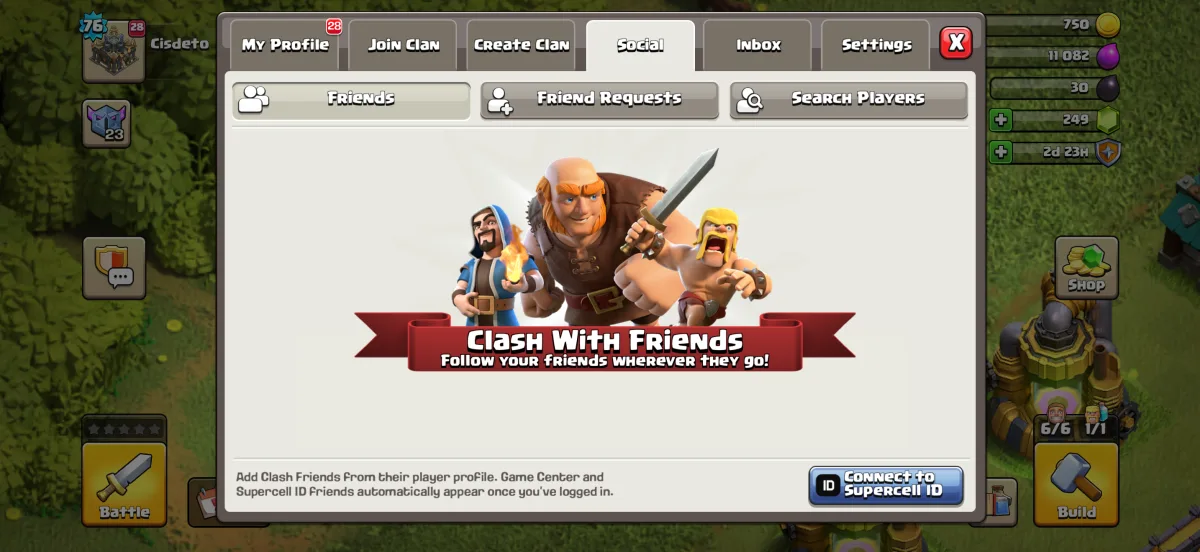
The Events tray is a dedicated strip for temporary content. The Event Hub and the Inbox are pinned to it permanently. Anything with a notification pins itself until you have looked at it. The tray opens on its own when you load the village and closes on its own afterwards.
Magic Items finally have one button: Books, Hammers, Runes, Potions and Magic Snacks in one place, reachable from the main screen and from the Battle button, where the Potions are useful before an attack.
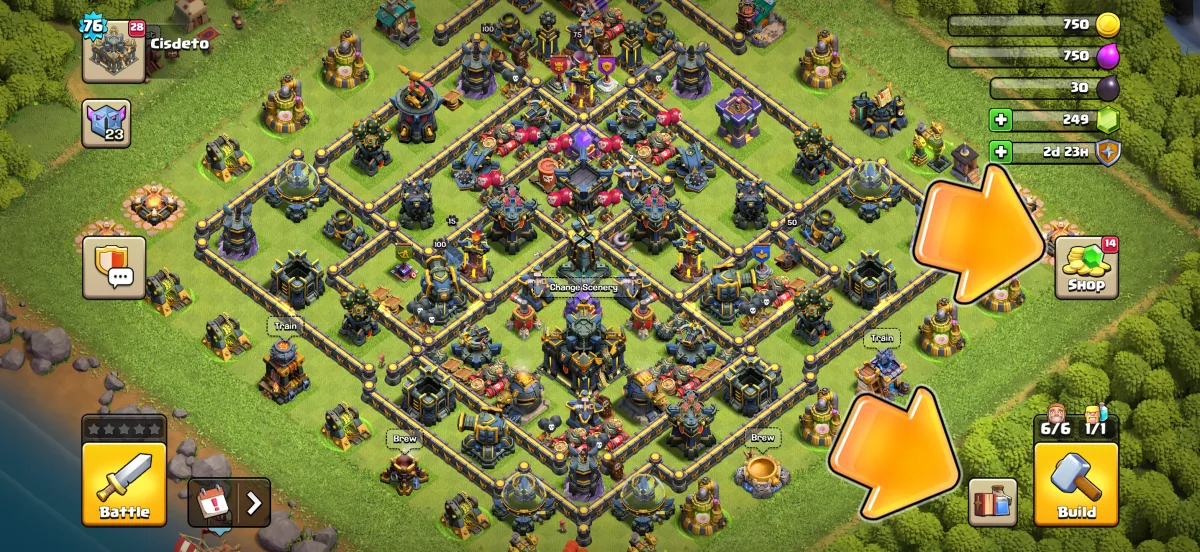
The Shop is now about offers, gifts and special items, since buildings are bought from the Build menu. A red marker on the Shop means there is something worth opening it for, which Supercell says is meant to spare you checking it every day.
Builder Base and Clan Capital
The Builder Base gets the same treatment with a two-tab Build menu, since it has no equipment or pets. The Clan Capital only gets the visual refresh this time. Supercell says a full rework of the Capital screen is planned for a later update, so the Capital's buttons stay where they are for now.
How to copy a base layout with the new interface
The copy links on ClashBuilder work exactly as before: tap one and the game opens with the layout ready to import. What changed is where you go afterwards, because the Edit Layout button moved.
- Pick a base from our Town Hall base layouts and tap Copy Base Link.
- The game opens and asks which layout slot to save it in. Choose a free slot, or overwrite one you no longer use.
- To tweak it, open the Build menu. The Edit Layout button appears bottom-right while the menu is open. It is no longer on the main screen.
- In the editor, set the copied layout as your active war, home or Legend League base as before.
If you cannot find Edit Layout, that is the step everyone misses: open Build first.
How to edit and copy armies now
Army links from our army builder also still open the game and fill a preset. To review the result, use Battle, then Edit Army. The Army Camp no longer has its own edit button on the main screen, and the preset slots are all under Battle. Potions you want to use before the attack are one tap away on the same screen through the Magic Items button.
Problems Supercell has already listed
The announcement ships with its own list of known issues. If you see one of these, it is not your device:
- Affordable upgrades can appear below upgrades you cannot afford yet.
- The Edit Army button can take a moment to appear.
- Scrolling in menus can briefly stop responding.
- Events can spread across two rows when there is space for one, or briefly expand when opening Clan Chat.
- The gem counter can animate from zero when switching tabs.
- The ongoing-attack indicator can stop showing after you leave a Live Replay or open and close the Battle Log.
- The active and disabled Attack button colours can be hard to tell apart.
- Depending on device and language, text can overlap or labels can be small.
What is still coming
Supercell has named three things it wants to add later rather than at launch: interface customisation, meaning scaling, quick actions and your own arrangement of buttons; simpler switching between accounts; and better ways to organise your own upgrade plan inside the Build menu. None has a date.